The product enters the hero
The later capture shows the board itself, including its gauges and status indicators. Visitors can inspect the output before installing a script.
PRODUCT DEMO / PAGEHUM
PageHum keeps its distinctive headline. The later capture puts the monitoring board in view and makes the free site-key action the clearest next step.
THE VISIBLE DIFFERENCE
The later capture shows the board itself, including its gauges and status indicators. Visitors can inspect the output before installing a script.
The earlier hero leads with a demo action beside several other links. The later yellow “Get a free site key” button becomes the visual lead, with the demo as a secondary option.
The later decision area adds free-plan and starting-price context, helping visitors understand the initial commitment.
TAKE THIS IDEA
EARLIER LANDINGBOOST SUGGESTION
Add one real customer proof line with a concrete outcome directly under the primary CTA.
The saved recommendation asked for a customer proof line. The main observed changes here are the product preview and action hierarchy. These captures do not establish that LandingBoost caused the redesign.
PageHum is a LandingBoost integration partner. That relationship is disclosed; it does not establish adoption, customer growth, or conversion lift.
No verified conversion or revenue result is attached to this pair. A scan or visual match does not establish ownership, adoption, or causality.
Measure the path from landing-page visit to site-key creation and then to the first successful beacon.
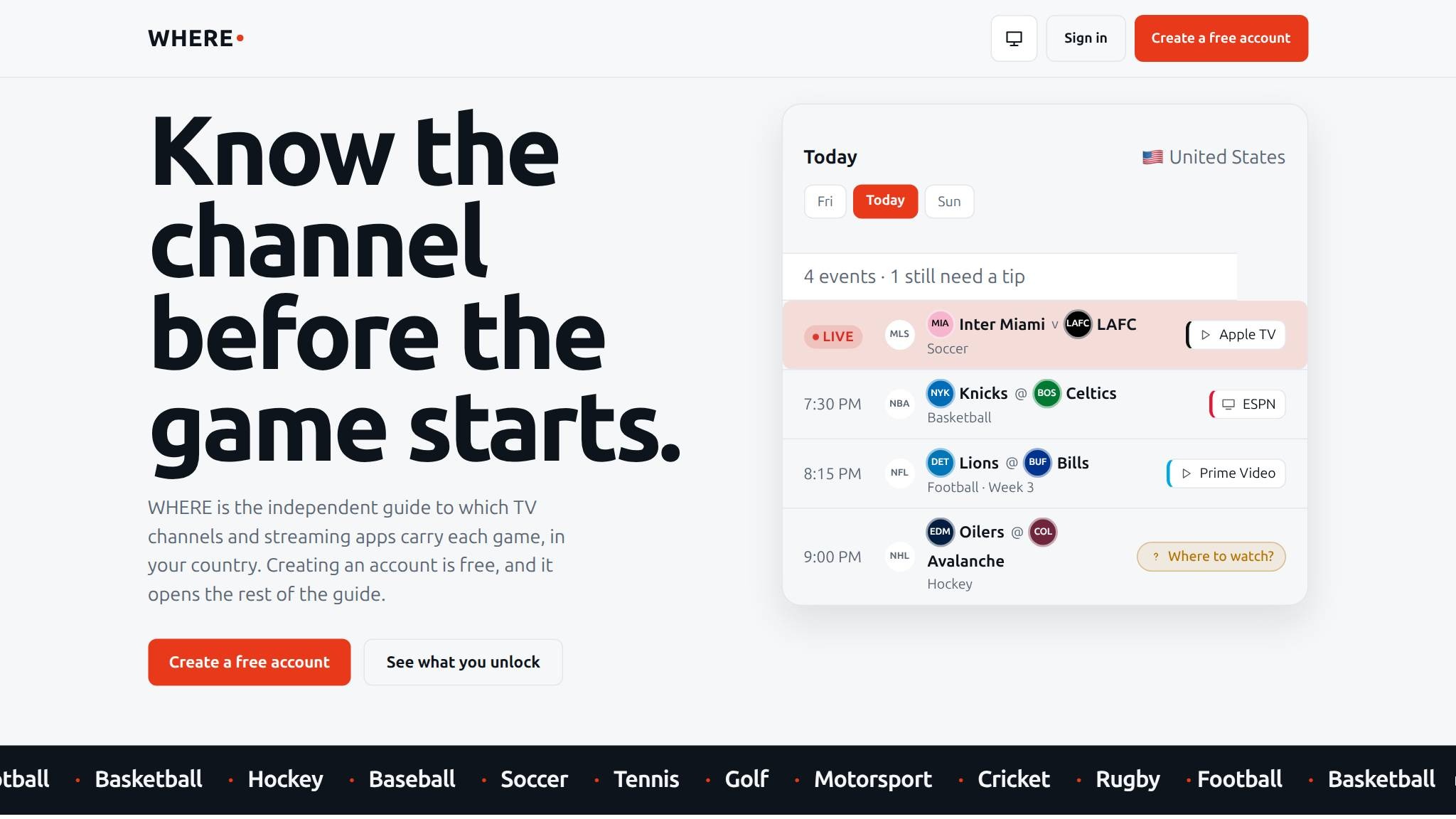
An events screen gains an introduction for first-time visitors.
See what changed ↗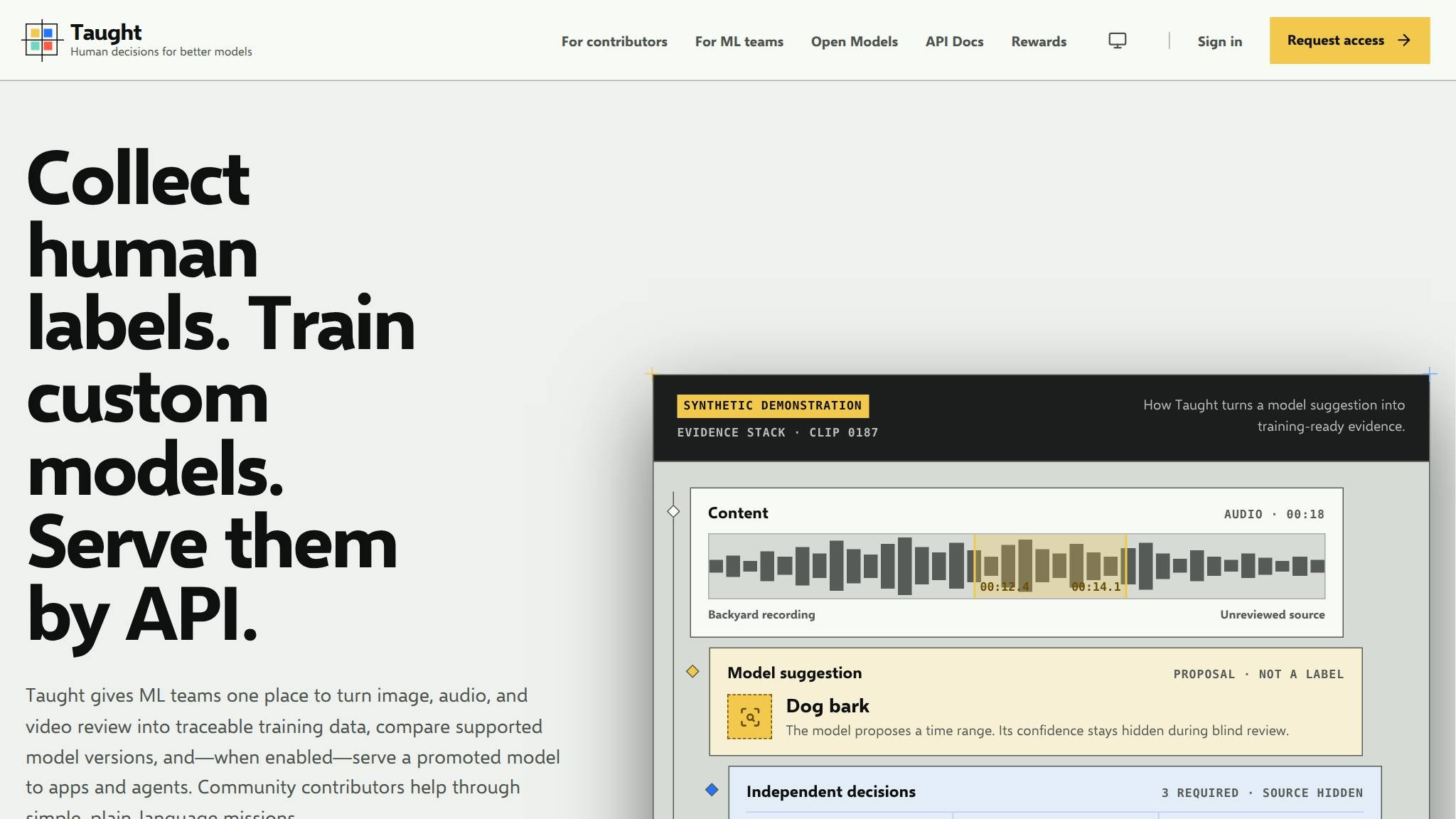
A broad machine-learning idea becomes a concrete three-step offer.
See what changed ↗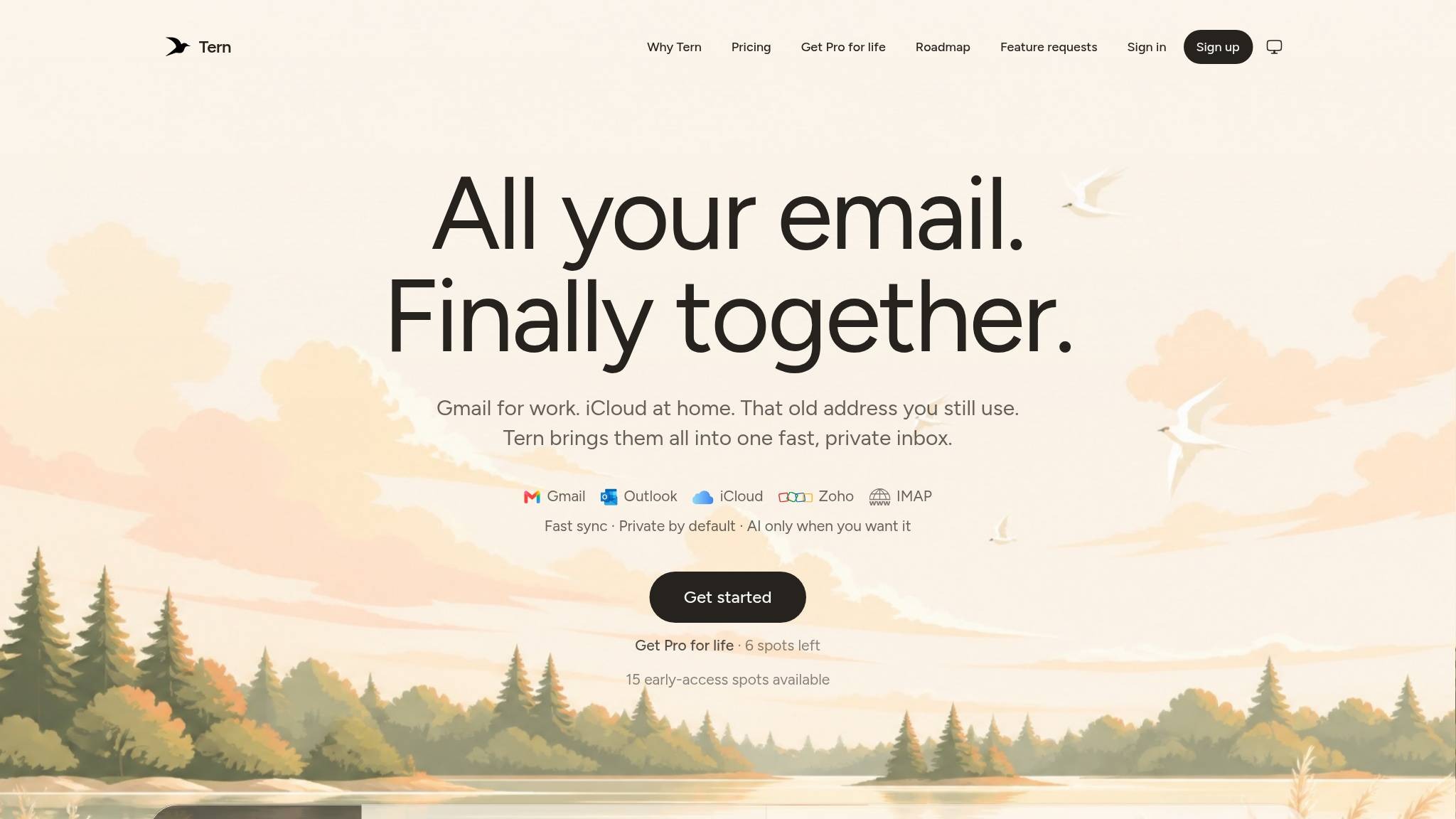
A waitlist invitation becomes a product entry point.
See what changed ↗YOUR PAGE, NEXT